How to Check if an iPhone is Original (2026 Guide)
Buying a used or new iPhone? Learn how to verify if an iPhone is original by checking the IMEI, serial number, warranty status, parts, and activation lock before you buy.
By Techmart Team · Published 29 July 2026 · 4 min read
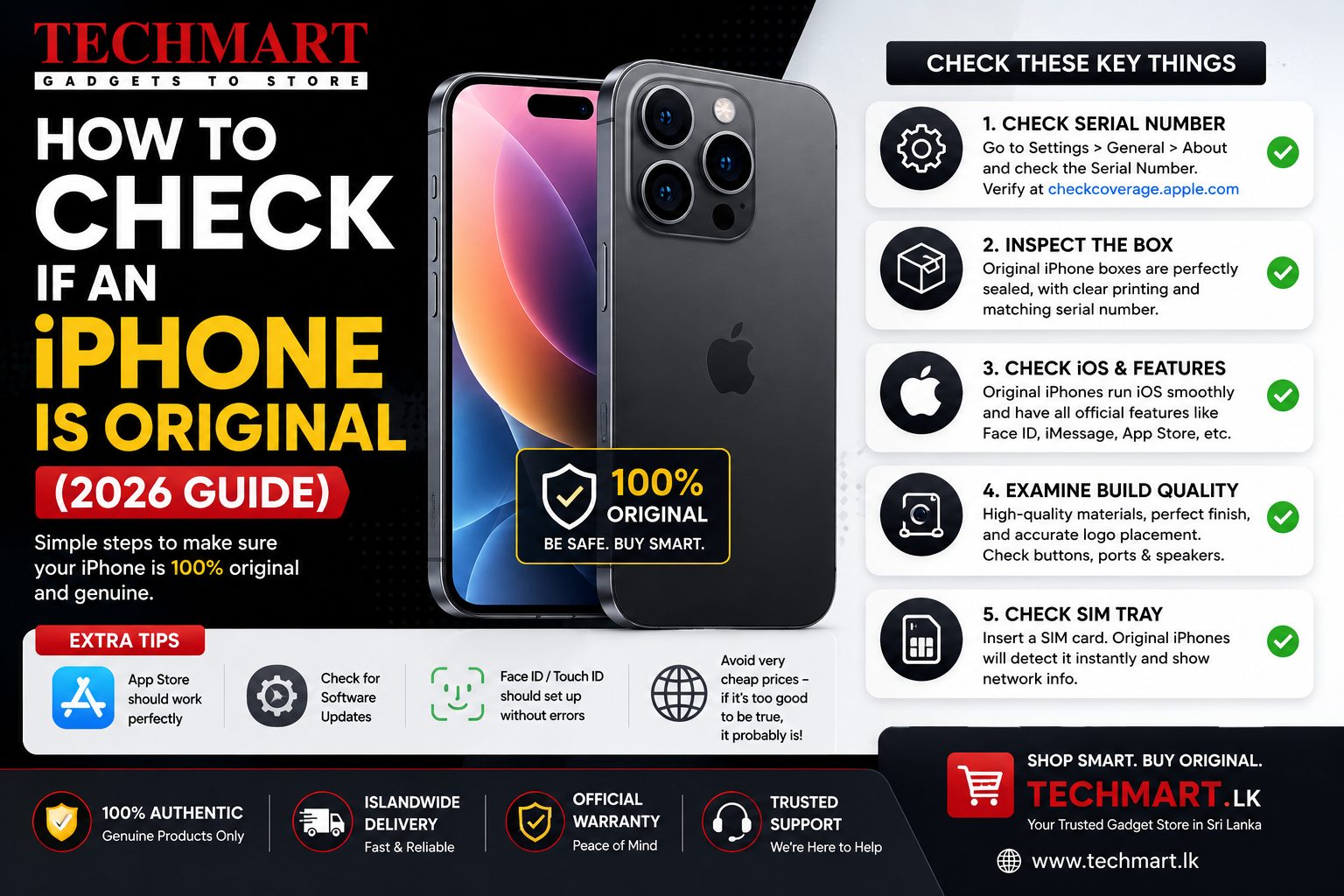
How to Check if an iPhone is Original (2026 Guide)
Buying an iPhone is a significant investment, so it's important to verify that the device is genuine before making a purchase. Whether you're buying a brand-new or used iPhone in Sri Lanka, checking its authenticity can help you avoid counterfeit devices, refurbished phones sold as new, or stolen devices.
This guide explains the most reliable ways to confirm that an iPhone is original before you buy.
Quick Checklist
| Check | How to Verify | Recommended |
|---|---|---|
| IMEI Number | Matches the device and SIM tray | ✅ Yes |
| Serial Number | Check on Apple's website | ✅ Yes |
| Activation Lock | Must be removed by previous owner | ✅ Yes |
| Parts & Service History | Check for replaced parts | ✅ Yes |
| Face ID | Should work perfectly | ✅ Yes |
| True Tone | Should be available | ✅ Yes |
| Battery Health | Check battery condition | ✅ Yes |
1. Check the IMEI Number
Every original iPhone has a unique IMEI number.
To view the IMEI:
- Open Settings → General → About
- Scroll down to IMEI
- Dial *#06#
The IMEI should match the number printed on the SIM tray (on supported models), original box, and purchase invoice if available.
2. Verify the Serial Number
Go to:
Settings → General → About
Find the Serial Number and verify it using Apple's official warranty and coverage checker.
A genuine iPhone will display its correct model information, warranty status, and activation details.
3. Check Activation Lock
Activation Lock protects stolen iPhones.
- Erase the phone if buying used.
- During setup, it should not ask for the previous owner's Apple Account.
- If it does, do not purchase the device until the owner removes it.
4. Check Parts & Service History
Apple allows users to see whether important components have been replaced.
Settings → General → About → Parts & Service History
You may see:
- Genuine Apple Part
- Unknown Part
- No Parts Replaced
Phones showing "Unknown Part" for the display, battery, or camera may have been repaired using non-genuine components.
5. Test Face ID
Go to:
Settings → Face ID & Passcode
- Set up Face ID.
- Lock and unlock the phone.
- Face ID should work instantly.
If Face ID is unavailable or not working, the device may have suffered damage or undergone unauthorised repairs.
6. Check True Tone
Original Apple displays support True Tone.
Go to:
Settings → Display & Brightness
If True Tone is missing unexpectedly, the display may have been replaced or repaired improperly.
7. Check Battery Health
Navigate to:
Settings → Battery → Battery Health & Charging
Look for:
- Maximum Capacity
- Peak Performance Capability
- Battery Condition
A battery health above 85% is generally a good sign for a used iPhone.
8. Inspect the Physical Condition
- Check for original screws.
- Ensure the display sits flush with the frame.
- Inspect cameras for dust or moisture.
- Test all buttons.
- Check speakers and microphones.
- Verify the charging port functions properly.
9. Test Essential Features
- Wi-Fi
- Bluetooth
- Mobile network
- GPS
- Cameras
- Flash
- Speakers
- Microphones
- Touchscreen responsiveness
Warning Signs
- Price is unusually low.
- No serial number available.
- Activation Lock enabled.
- Face ID not working.
- Unknown parts installed.
- Battery health is extremely low.
- Seller refuses testing.
Buying Tips for Sri Lanka
- Buy from authorised or trusted retailers.
- Always request the original invoice if available.
- Check the IMEI and serial number before paying.
- Meet in a safe public place when buying privately.
- Test every major feature before completing the purchase.
Final Verdict
Checking an iPhone's originality only takes a few minutes but can save you from costly mistakes. Verify the IMEI, serial number, Activation Lock, battery health, and parts history before buying. Whether you're purchasing a brand-new or used iPhone in Sri Lanka, these checks will help ensure you're getting a genuine Apple device in good condition.